$ cat tags-releases-and-branches-frontend-deployment.md
Frontend Deployment Process
2026-09-22 · Amrit Bhusal · Engineering
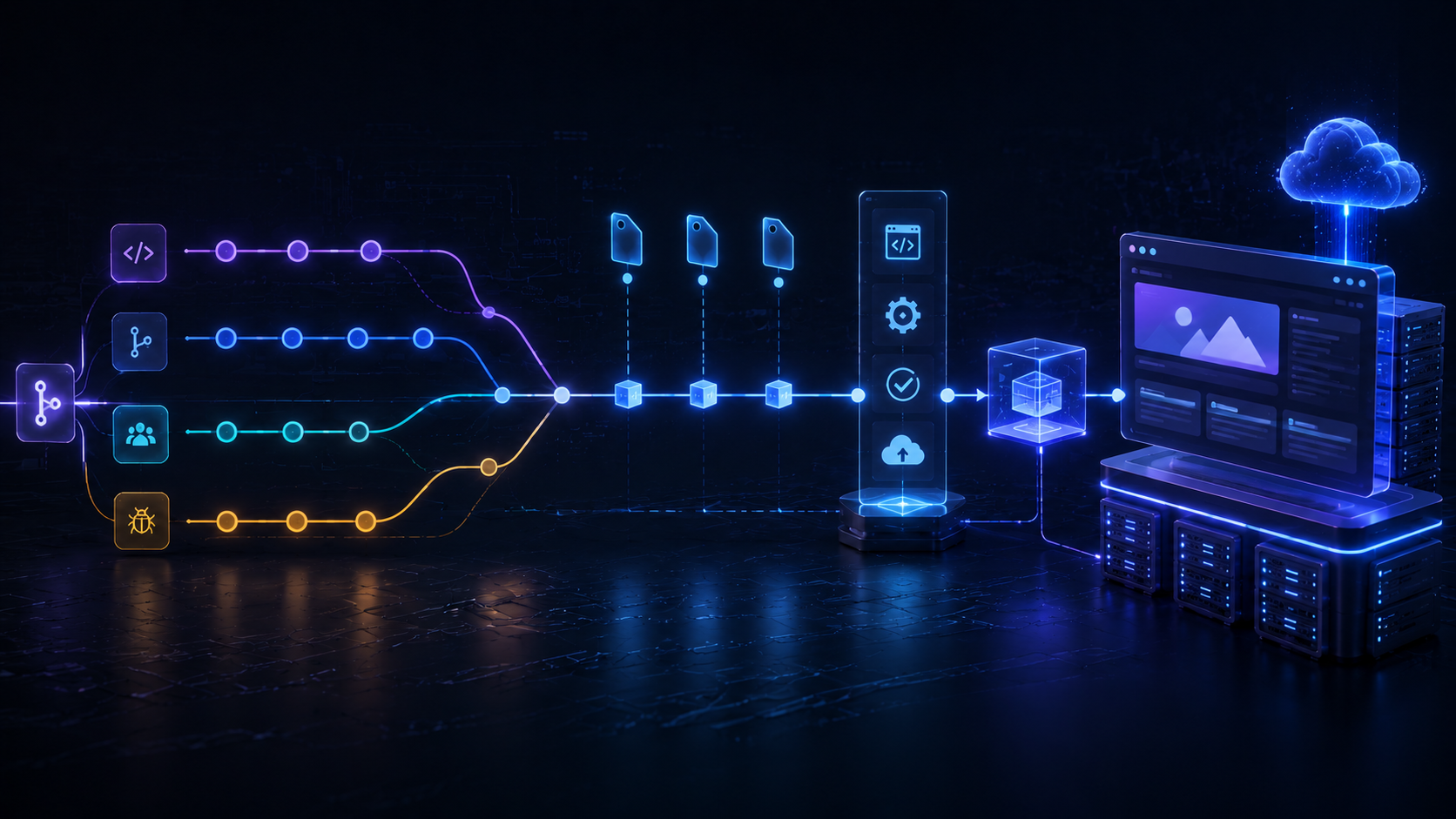
This document describes the branching model, versioning strategy, and release workflow used for frontend deployments — and why each piece of the process exists.
1. Tags
A tag is a label used to mark a specific Git commit as a significant, permanent release point.
git tag -a v2.4.0 -m "Release 2.4.0"
git push origin v2.4.0
Key characteristics:
- Immutable — a tag does not move as new commits are added; it always points to the same commit.
- Reproducible — you can check out
v2.4.0a year later and get exactly what was deployed at that time. - CI/CD trigger — pipelines are configured to deploy only when a tag is pushed, rather than on every commit.
Why it matters: Without tags, "what's actually running in production" becomes a guess based on branch history that keeps changing. Tags give every deployment a fixed, permanent reference point, so any past release can be reproduced exactly — which is essential for debugging production issues, auditing what shipped when, and rolling back with confidence. Tying CI/CD to tags (instead of every commit) also prevents unfinished or unreviewed work from accidentally reaching production.
2. Releases
A release is a communication layer built on top of a tag. It packages a tag with human-readable context so that anyone — engineering, QA, product, or support — can understand what shipped and why, without digging through raw commit history.
A release typically includes:
- What changed — a summary of new features, fixes, and updates.
- Why it changed — the reasoning or context behind the changes.
How release notes are generated
Commit messages and pull request descriptions written during development are linked to the release. When a release is prepared, these messages are compiled into a changelog by comparing the previous tag with the new tag and identifying everything that changed in between.
Why it matters: Releases translate raw code history into information humans can act on. A clear changelog lets support teams answer "did this fix already ship?", lets QA know exactly what to regression-test, and lets stakeholders track progress without needing to read diffs. This only works if commit and PR messages are written clearly during development — the changelog is only as good as the messages that feed it.
3. Versioning (Semantic Versioning)
Versions follow the format MAJOR.MINOR.PATCH (e.g., v2.4.1):
| Segment | Example | Meaning |
|---|---|---|
| Major | 2 |
Breaking changes or significant product changes |
| Minor | 4 |
New features, backward-compatible |
| Patch | 1 |
Bug fixes, hotfixes |
Examples:
v1.0.0— a major release or major changes to the product.v1.4.0— a minor, backward-compatible feature addition on top of the previous stable version.v1.4.5— a frequent bug fix, hotfix, or minor update.
Pre-releases use suffixes to indicate they are not yet stable:
v2.5.0-beta.1
Why it matters: A consistent version number tells anyone — instantly, without reading the changelog — how significant a change is and how risky it is to adopt. This matters for coordinating with dependent teams or services, for deciding whether an upgrade needs extra testing, and for communicating risk to stakeholders before a deployment goes out.
4. Branching Model (Standard Practice)
| Branch | Purpose |
|---|---|
main |
Production-ready code |
develop |
Staging / integration branch |
feature/* |
Individual feature development |
release/* |
Pre-release preparation and final checks |
hotfix/* |
Emergency fixes for production issues |
Why it matters: Separating code by purpose keeps unfinished or experimental work isolated from what's actually stable or live. It means a bug found during feature development can't accidentally leak into production, and it gives the team a clear, predictable place to look depending on what they need: "what's live," "what's being integrated," or "what's actively being built."
5. Togglecorp Branching Practices
Our internal practice adapts the standard model as follows:
| Branch | Purpose |
|---|---|
develop |
Acts as the staging/production branch |
feat/* |
New features |
fix/* |
Bug fixes |
release/* |
Releases |
hotfix/* |
Small changes and urgent fixes |
Rules:
- No direct commits to
develop— all changes must be merged in through a Pull Request (PR). - Commit and PR messages written during development are linked to the eventual release and used to automatically generate the changelog when a new release is created.
Why it matters:
Requiring PRs for every change to develop ensures nothing reaches the staging/production branch without review — catching bugs, security issues, and design inconsistencies before they ship. It also creates a paper trail: every change has an associated discussion, reviewer, and rationale, which is invaluable later when tracing why a particular change was made.
6. Release Preparation Workflow
- Complete development work in feature branches and merge into
developvia PR. - Prepare the project for release (tagging, changelog generation).
- Run through the final release checklist.
- Once the checklist passes, deploy the release.
This preparation phase ensures the project is fully ready for deployment before any release is finalized.
Why it matters:
Treating release preparation as a distinct, gated phase — rather than deploying straight off develop — creates a deliberate checkpoint where quality, completeness, and readiness are verified before anything goes live. This reduces the chance of shipping half-finished work, catches issues while they're still cheap to fix, and gives the team confidence that every deployment meets the same bar.
Why This Process Matters
Taken together, this workflow exists to solve a few recurring problems in frontend delivery:
- Traceability — at any point, you can answer "what is running in production, and exactly what code produced it?"
- Reversibility — if something breaks, you can identify the last good version and roll back to it with certainty.
- Communication — engineers, QA, support, and product all have a shared, human-readable record of what changed and why, without needing to read raw commit logs.
- Risk management — version numbers and branch types signal how significant or risky a change is before it's adopted.
- Quality control — mandatory PR reviews and a release checklist act as a safety net, catching problems before they reach users.
Skipping or loosening any part of this process (e.g., committing directly to develop, deploying without tagging, skipping the release checklist) trades short-term speed for long-term risk: harder debugging, unclear history, and a higher chance of shipping broken code to production.