$ cat claude-code-engineering-skills-guide.md
Claude Code Engineering Skills Guide
2026-09-22 · Amrit Bhusal · Tooling
Installation
npx skills add https://github.com/mattpocock/skills \
  --skill grill-me \
  --skill grill-with-docs \
  --skill tdd \
  --skill diagnose \
  --skill improve-codebase-architecture \
  --skill zoom-out \
  --skill to-prd \
  --skill to-issues \
  --skill setup-pre-commit \
  --agent claude-code
Purpose
This guide documents a set of Claude Code skills designed to improve:
- Software design
- Requirement analysis
- Debugging workflow
- Testing discipline
- Code maintainability
- Architecture decisions
- Development process
Together, these skills shift Claude Code from acting as a code generator toward acting as an engineering assistant — one that helps plan, review, and improve software, not just write it.
Skill Workflow Overview
Feature development:
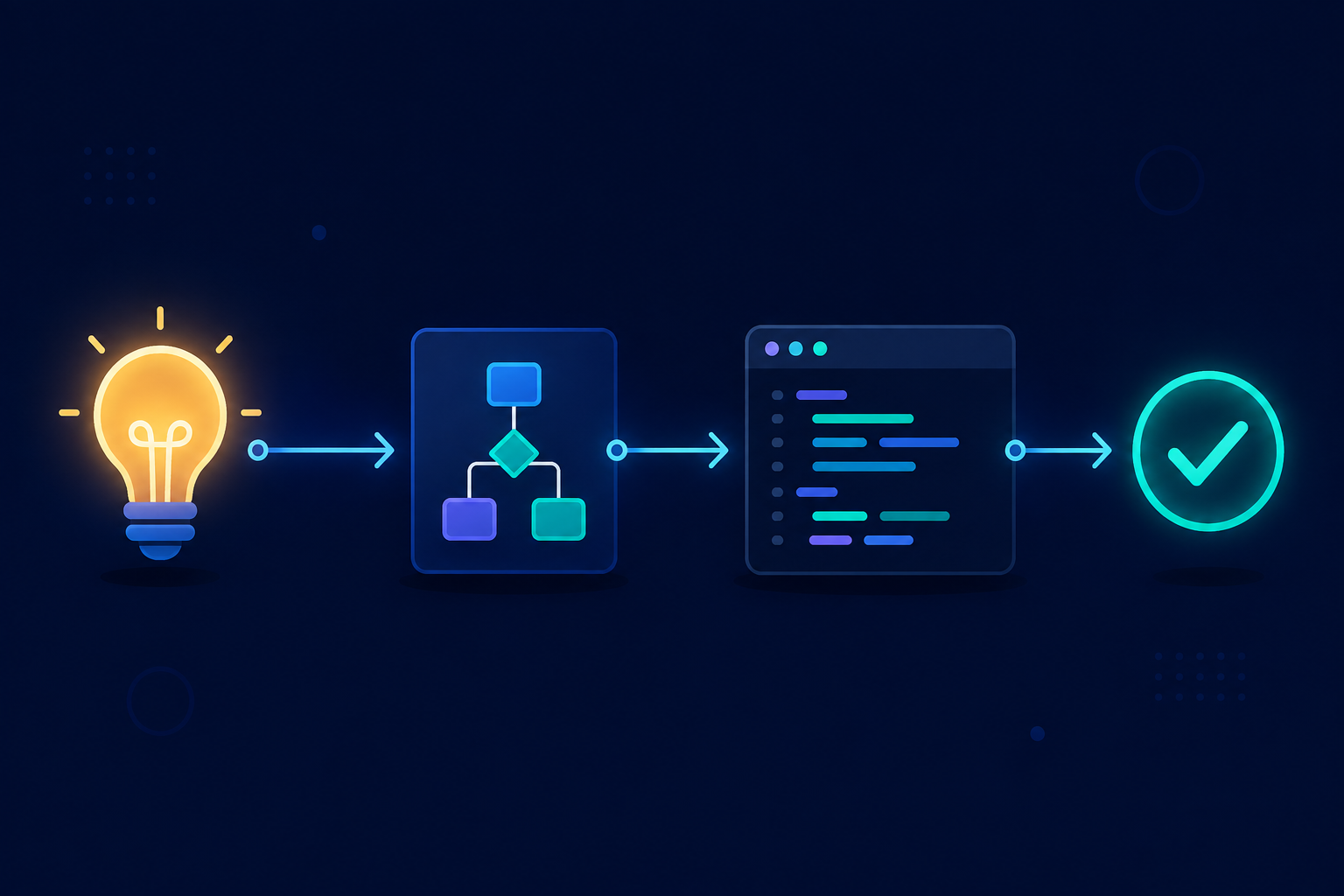
New Idea → grill-me → grill-with-docs → to-prd → to-issues → tdd
    → Implementation → setup-pre-commit → Architecture Review
    → improve-codebase-architecture
Debugging:
Bug → diagnose → Fix → Test
Understanding an existing codebase:
Unknown Codebase → zoom-out → Architecture Understanding
1. grill-me
A requirement and design questioning skill.
Prevents jumping straight into implementation before the problem is understood.
Without grill-me |
With grill-me |
|---|---|
| User request → Write code | User request → Ask questions → Understand requirements → Design solution → Write code |
What it challenges:
- Feature requirements
- User expectations
- Edge cases
- Technical decisions
- Possible alternatives
Example questions it asks:
- Who is the user of this feature?
- What happens if the input is invalid?
- Do we need backward compatibility?
- How will this scale?
- What happens when this fails?
When to use: Before creating new features, changing architecture, adding complex logic, or modifying database models.
/grill-me add role based access control
Benefits: Prevents unclear implementation, reduces rework, surfaces hidden requirements, improves technical decisions.
2. grill-with-docs
Combines requirement questioning with documentation.
Helps preserve project knowledge while designing features by capturing:
- Architecture notes
- Design decisions
- Feature explanations
- Implementation context
Example: A decision such as "Why are permissions stored separately from users?" gets documented instead of forgotten.
When to use: Large applications, long-running projects, team development.
Benefits:
| Without documentation | With documentation |
|---|---|
| Developer leaves → Knowledge disappears | Decision → Documentation → Future developers understand |
3. tdd (Test-Driven Development)
Encourages writing tests before implementation.
| Traditional | TDD |
|---|---|
| Code → Test later | Test → Code → Refactor |
Development cycle:
- Red — Write a failing test (e.g., "user without permission cannot access page")
- Green — Write the minimum code needed to pass
- Refactor — Improve naming, structure, duplication, and readability
Good use cases: Business rules, authentication, validation, calculations, API logic.
Benefits: Safer changes, fewer regressions, better code design.
4. diagnose
A structured debugging workflow that prevents random, trial-and-error fixes.
| Bad debugging | Better debugging |
|---|---|
| Error → Change random code → Try again | Error → Understand → Reproduce → Find cause → Fix → Verify |
Process:
- Understand — What is failing? When does it fail? Who is affected?
- Reproduce — Create reliable repro steps
- Find root cause — Check logs, state, data flow, assumptions
- Fix — Apply the minimal correct change
- Prevent — Add tests, validation, or monitoring
5. improve-codebase-architecture
Reviews existing code quality and architecture, focused on long-term maintainability.
It looks for:
- Duplicate logic — e.g., user validation repeated across File A and File B → consolidate into a shared validation service
- Tight coupling — e.g., Component → Database directly → introduce a Service layer: Component → Service layer → Database
- Poor boundaries — responsibility separation, module organization, dependency direction
When to use: After many feature additions, before scaling, before major refactoring.
6. zoom-out
Provides a high-level understanding of a codebase — the system, not just one file.
Helps explain:
- Architecture
- Modules
- Data flow
- Dependencies
- Key concepts
Request → Controller → Service → Database → Response
When to use: Joining a new project, exploring unfamiliar repositories, preparing for refactors.
7. to-prd
Converts ideas into Product Requirement Documents (PRDs) that explain what to build, why, and the expected behavior.
Typical PRD structure:
- Problem — e.g., "Admins cannot manage user permissions."
- Goal — e.g., "Allow admins to assign and remove permissions."
- Requirements — e.g., admins can create roles; users can have multiple roles; permissions are checked before actions
- Acceptance criteria — e.g.:
Given user has no permission
When they access page
Then access should be denied
Benefits: Clearer development, better communication, fewer misunderstandings.
8. to-issues
Converts a PRD into concrete development tasks.
Example:
PRD: "Add user permissions" becomes:
- Create permission database model
- Create permission API
- Add frontend management UI
- Add tests
Benefits: Easier tracking, smaller tasks, better project management.
9. setup-pre-commit
Automates quality checks before committing code.
Typical checks:
- Formatting — e.g., Prettier
- Linting — e.g., ESLint
- Type checking — e.g., TypeScript compiler
- Tests — e.g., unit tests
Workflow:
Developer writes code → git commit → Pre-commit checks → Pass → Commit allowed
Benefits: Consistent code style, fewer bugs, prevents broken commits.
Recommended Usage Patterns
Feature development:
grill-me → grill-with-docs → to-prd → to-issues → tdd → Implementation
Debugging:
diagnose → Fix → Test
Code review:
zoom-out → improve-codebase-architecture → Refactor
Summary Table
| Skill | Purpose |
|---|---|
grill-me |
Question requirements before coding |
grill-with-docs |
Preserve decisions and context |
tdd |
Build reliable code with tests |
diagnose |
Debug using root-cause analysis |
improve-codebase-architecture |
Improve maintainability |
zoom-out |
Understand systems quickly |
to-prd |
Convert ideas into requirements |
to-issues |
Convert requirements into tasks |
setup-pre-commit |
Maintain code quality automatically |
Used together, these skills support a development workflow centered on better planning, cleaner code, fewer bugs, maintainable architecture, and stronger engineering decisions.