$ cat monorepo-vs-submodule.md
Monorepo vs. Submodule
2026-09-22 · Amrit Bhusal · Engineering
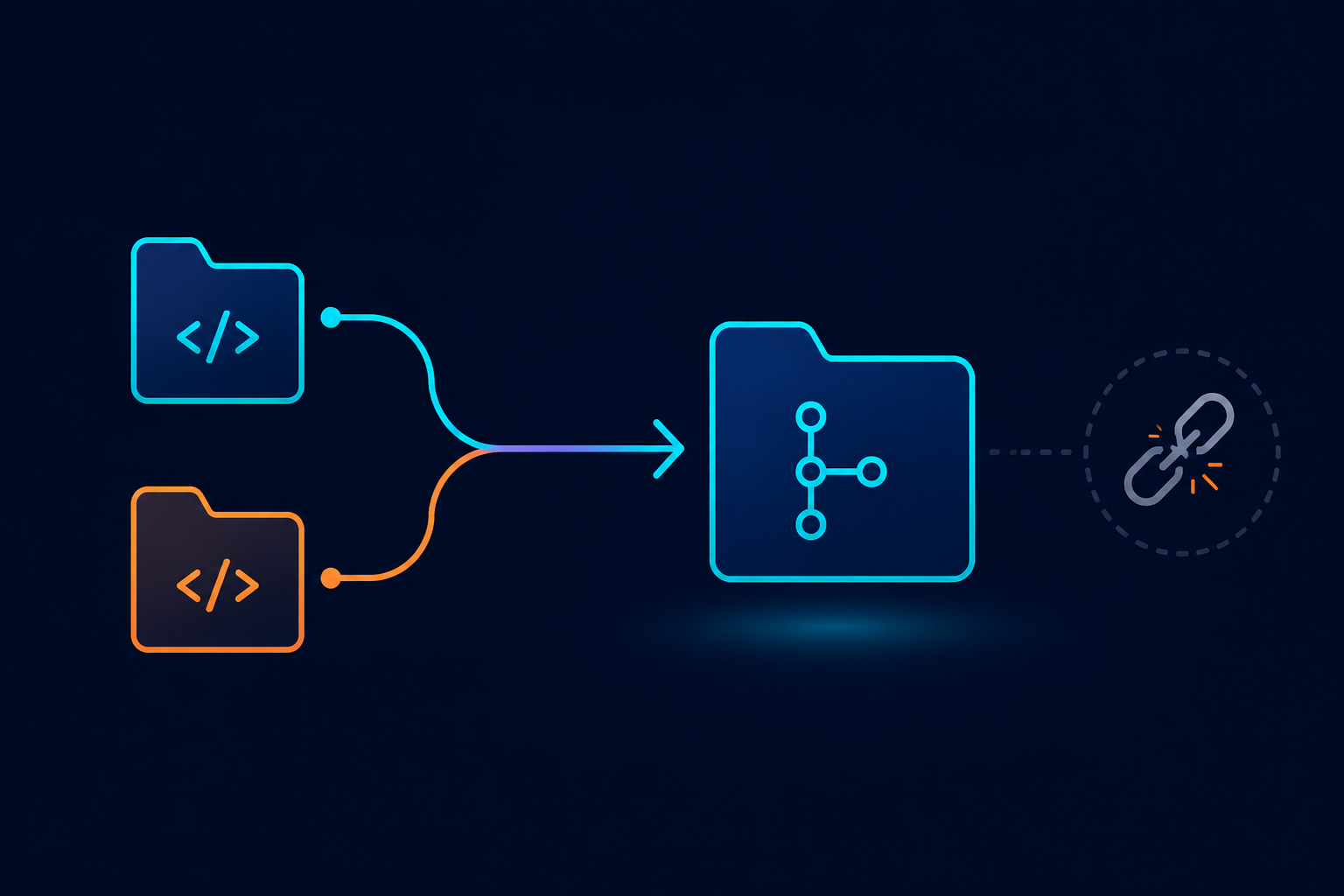
1. What is a monorepo?
A monorepo is one Git repo that holds several projects. Each project has its own folder, but they all share the same commit history, the same issue tracker, and usually the same build tools.
myorg/
├── apps/
│   ├── web/             (React frontend)
│   ├── marketing-site/  (public site)
│   └── backend/         (Django + GraphQL)
├── packages/
│   ├── graphql-schema/  (schema.graphql plus generated TS types)
│   └── ui/               (shared components)
├── deploy/               (helm, docker compose, shared CI config)
└── package.json          (workspace root)
What a monorepo is NOT:
- It's not "one big app." Each app still builds, tests, and deploys separately.
- It's not "one language." Python, TypeScript, and JavaScript can all live together.
- It's not the opposite of microservices. Splitting into microservices is about how things run. A monorepo is about how code is stored. Big companies run thousands of services from one repo.
2. Why bother?
The main problem a monorepo fixes is keeping things in sync across projects.
When two projects share something, like an API contract or a shared type, that contract changes over time. If the projects live in separate repos, updating the contract takes at least two commits in two repos, landing at two different times. In between, the main branch of one project may not actually work with the main branch of the other. Every benefit below comes from removing that gap.
| Benefit | Why it happens |
|---|---|
| Changes across projects happen together | A backend field rename and the matching frontend change become one commit and one review, not a half finished update. |
| CI tests the real combination | CI checks out one snapshot of the whole codebase, so you're never left wondering which backend version was tested with which frontend version. |
| One shared version of things | Shared code lives in packages/*. Other projects use it straight from the working folder. No publishing or version bumping needed. |
| Easier company wide changes | Rename a field, search the whole codebase, and fix every place that uses it in the same change. |
| Easy onboarding | Just git clone && install && run. No hunting for extra repos. |
| One set of tools | One linter, one formatter, one CI setup. Fix a rule once, it applies everywhere. |
| Easy to share code | Moving code into a shared folder is just a file move, not a whole new repo and release process. |
The real costs
- CI needs to be smart about what it runs, or every small change triggers every test. Tools like Turborepo solve this by only running tests for what actually changed.
- The repo grows bigger over time. This mostly matters at a very large scale, and there are ways to fetch only part of the history if needed.
- Access control is rougher. Git permissions work per repo, not per folder. If someone should only see one project, that's a suggestion, not something Git enforces.
- Tools need to understand workspaces, which takes a bit of setup.
- There's a temptation to release everything together on the same schedule. Teams need discipline so "one repo" doesn't turn into "one release train" for unrelated projects.
Rule of thumb: if two projects change together often, they belong in one repo.
3. How to build one
3.1 Pick your workspace tool
| Stack | Tool |
|---|---|
| JavaScript/TypeScript | pnpm workspaces, plus Turborepo or Nx to manage tasks |
| Python | uv workspaces, or a separate pyproject.toml per app |
| Mixed languages | Bazel or Pants, but these are heavy. Only use them if simpler tools stop working |
Two things are easy to mix up:
- pnpm workspaces link dependencies. It lets one app use another app's code directly, no publishing needed.
- Turborepo manages tasks. It decides what to run, in what order, and what to skip because it's already been done.
You can run a monorepo using just pnpm workspaces. You'll just end up running every task every time, even if nothing changed.
3.2 Folder layout
apps/       (things that get deployed: web, marketing-site, backend)
packages/   (shared code, never deployed on its own)
deploy/     (helm charts, docker compose, kubernetes config)
3.3 Set up the workspace (pnpm example)
pnpm-workspace.yaml:
packages:
  - "apps/*"
  - "packages/*"
Root package.json:
{
  "private": true,
  "scripts": {
    "dev": "turbo run dev",
    "build": "turbo run build",
    "lint": "turbo run lint"
  },
  "devDependencies": { "turbo": "^2" }
}
An app can use a shared package like this, no publishing needed:
{ "dependencies": { "@myorg/graphql-schema": "workspace:*" } }
3.4 Moving existing repos in, without losing history
Don't just copy and paste files. That throws away the old commit history. Use git subtree instead:
mkdir myorg && cd myorg && git init

git remote add web https://github.com/myorg/web-app
git fetch web
git subtree add --prefix=apps/web web main

git remote add backend https://github.com/myorg/backend-api
git fetch backend
git subtree add --prefix=apps/backend backend main
git-filter-repo is another option if you need to rewrite paths first. Either way, all the old commits are kept, just moved under a new folder.
3.5 Still deploy each app separately
One repo, but many separate deploy pipelines. Each app keeps its own Dockerfile and its own CI workflow, triggered only when its own files change. Tag releases per app, like web@1.4.0 and backend@2.1.0, so version history stays separate per app.
4. Turborepo: what it does and why you'd want it
4.1 The problem it solves
In separate repos, running CI naturally means running that one project's tests. In one combined repo, the lazy default is to run everything, every time. A small CSS change in the frontend would then also trigger the whole Python test suite. This is the number one reason teams try a monorepo, get frustrated by slow CI, and give up on it.
Turborepo is a task runner with smart caching, built on top of your workspace setup. It doesn't manage dependencies (pnpm does that) and it doesn't compile your code (your normal build tools do that). It just decides what needs to run, in what order, and what can be skipped.
4.2 The four things it does
a) Figures out task order automatically
turbo.json describes what depends on what. Turbo works out the right order on its own:
{
  "tasks": {
    "generate:types": {
      "inputs": ["../../packages/graphql-schema/schema.graphql", "app/**/*.{ts,tsx}"],
      "outputs": ["generated/**"]
    },
    "build": { "dependsOn": ["^build", "generate:types"], "outputs": ["build/**"] },
    "lint": { "dependsOn": ["generate:types"] },
    "dev": { "cache": false, "persistent": true }
  }
}
^build means "build everything this depends on first." No manual ordering, no long chained scripts. Add a new package and the order updates itself.
b) Caches results based on content
For each task, Turbo checks the source files, config, and settings involved. If it's seen that exact combination before, it just reuses the old result instead of running the task again. A cache hit takes almost no time at all, because nothing actually runs.
This means how you describe a task's inputs and outputs matters a lot. Miss an input and you might get a stale result. List too many inputs and the cache almost never gets used.
c) Only runs tasks affected by a change
# every package changed since main, plus anything that depends on them
pnpm turbo run lint build --filter="...[origin/main]"

# one package plus everything that depends on it
pnpm turbo run build --filter=@myorg/graphql-schema...
This is what makes monorepo CI cheaper than separate repos, instead of more expensive. A frontend only change never triggers the backend pipeline, while a shared schema change automatically triggers both frontends that use it.
4.3 Why this matters specifically in a monorepo
| Without Turbo | With Turbo |
|---|---|
| CI time equals the sum of every package's tests | CI time equals only the affected packages |
| Task order is hardcoded into scripts | Order is described once and figured out automatically |
| Code generation reruns every single time | Cached based on whether the schema actually changed |
| Each frontend generates its own types separately | One shared build, cached, used by every frontend |
| Adding a new package means editing CI | Adding a new package needs no CI changes |
4.4 When Turborepo actually helps
It helps when:
- Code generation would otherwise rerun every single time a task runs, even when nothing relevant changed. With Turbo, that becomes a cache hit instead.
- A shared build step, like generating types from a schema, would otherwise be duplicated across multiple frontends. Turbo lets it run once and be shared.
- Filtering by what changed keeps backend-only changes from triggering frontend CI, and the other way around.
- One command at the root can replace remembering which folder to run things in.
It helps less when:
- Turbo runs
package.jsonscripts. A non-JavaScript backend (e.g., Python/Django) has nopackage.json, so it needs either a thin wrapper script or its own separate CI setup, which is a reasonable choice. - Turbo's cache is only as accurate as the inputs you describe. Getting this wrong for non-JS tasks risks stale results, so it's often safer to leave those out of Turbo for now.
- With only one JavaScript package and no real dependency graph, Turbo barely helps yet. Its value shows up once a second frontend and a shared schema package actually exist.
Turborepo isn't what makes a monorepo worth it. Keeping things in sync is. Turbo just keeps CI from getting slower once you combine repos.
4.5 CI setup with Turbo
- uses: actions/checkout@v4
  with: { fetch-depth: 0 }        # turbo needs full history to compare against main
- run: pnpm install --frozen-lockfile
- run: pnpm turbo run lint build --filter="...[origin/main]"
Full commit history is required here. Without it, Turbo can't tell what actually changed.
4.6 Turborepo vs Nx
| Turborepo | Nx | |
|---|---|---|
| How it works | Caches and runs your existing scripts | Has its own plugins, generators, and project graph |
| Setup | One small config file | More config, more moving parts |
| Mixed languages | Works with anything you can script | Has dedicated plugins, including for Python |
| Learning curve | A few hours | A few days |
| Good fit for a small/medium repo? | Yes, small setup, works with existing scripts | Probably overkill unless many more apps get added |
Turborepo is usually the better starting choice for smaller setups. It's a small commitment, and it's easy to undo: delete the config file and just run scripts directly again.
5. Monorepo vs. Git submodule
A submodule is just a pointer. The main repo stores a path, a URL, and one specific commit of another repo. It's not the actual code, it's more like a bookmark that Git won't follow unless you tell it to.
| Submodule | Monorepo | |
|---|---|---|
| Change across both projects | 2+ separate merges, plus a commit just to update the pointer | 1 single change |
| Risk of mismatch | Yes, if the pointer isn't updated right away | None |
| Cloning | Needs an extra step to also pull in the submodule | Just clone, done |
| Switching branches | The pointer can silently change, and you might not notice | The whole codebase moves together |
| Undoing a change | Revert both repos and hope the order works out | One simple revert |
| Big renames across the codebase | Can't easily see everywhere it's used | Just search the whole repo |
| Access control | Per repo, and Git actually enforces it | Rougher, mostly relies on trust |
| Repo size | Smaller main repo | Bigger, but manageable |
| Shared tools | Duplicated in each repo | One shared setup |
| CI | Each repo only tests itself | One snapshot, the real combination tested together |
| Task caching | No sharing between repos | Shared across the whole codebase |
Submodules make sense for something like a third party dependency you use but don't actively develop yourself, something pinned on purpose and rarely updated. That's very different from a backend your own team ships every week.
The core problem with submodules in one line: the pointer is a second thing that has to stay in sync, and Git won't ever remind you to update it.
There's a third option too, worth mentioning because it's the cheapest: true separate repos, where one project publishes an artifact (like a schema file) as a release, and the other project just downloads it. This avoids the submodule without merging anything. You give up perfect sync in exchange for barely any migration work.
6. Example: converting a submodule-based project into a monorepo
6.1 A typical starting point
Picture a frontend app that pulls in a backend repo as a Git submodule under ./backend:
- Config files point to
./backend/schema.graphqlin several places. - The main docker compose file merges with the backend's own compose file using relative paths that only make sense from inside the submodule, which the README has to explain.
- CI already checks out both repos on every run.
- Local development already spans both repos.
One thing that cuts the other way: if there's currently only one JavaScript package, no shared internal packages yet, and the backend is written in a different language, then pnpm workspaces alone can't manage everything. So early on, the actual win available is "one Git repo," not "one shared build system." The Turborepo half of the benefit only kicks in once a second frontend and a shared schema package actually exist.
6.2 The real pain this removes
a) Schema changes stop needing two steps. Right now, adding a backend field means merging it in the backend repo, then updating the pointer in the frontend repo, and only then does type generation actually see the new field. Forget that pointer update, and CI silently uses the old version, generates the old types, and the frontend fails to build for a reason that isn't visible anywhere in the change itself. In one repo, the schema change and the code using it are the same commit. Nothing can fall out of sync.
b) The submodule pointer update stops being confusing. A moved pointer could mean several different things, and reviewers only see a bare commit reference with no actual changes to review. In one repo, the backend change is right there in the pull request, fully reviewable.
c) Onboarding and switching branches get simpler. The extra step needed to pull in the submodule disappears. So does the whole category of bugs from switching branches and ending up with the backend on the wrong commit.
d) The awkward path setup for docker compose goes away. All the relative path workarounds exist only because two separately rooted repos need to be stitched together at runtime. With both apps under one root, one plain compose file can reference both services normally.
e) CI actually tests the real combination. Right now each repo's CI can pass on its own while the combination between them is actually broken. With one repo, one snapshot means the frontend and backend are always verified together, and filtering keeps that fast.
f) Big renames become easy to verify. Renaming something today means asking around to see who uses it and trusting the answer. In one repo, a simple search across the whole codebase tells you for certain, and the fix can ship in the same change as the rename.
g) Room to add the next app easily. A second frontend, like a marketing site, would otherwise become a third repo with its own copy of the same setup. In one repo, it's just a new folder that imports the shared schema package, with generation done once and shared by both frontends.
6.3 What it would cost
- About one day for the actual migration: moving both repos in, updating paths, rewriting the compose file and CI workflows, and republishing deploy config.
- A few config paths need updating, which is a quick and easy search and replace.
- The deploy publishing setup needs to be checked and possibly re-pointed if things move.
- Tags change from repo-level to per-app, like
web@x.y.zandbackend@x.y.z. - Any open pull requests in either repo need to be merged or rebased before the move.
- CI needs to filter by what actually changed from day one, or every change will trigger everything.
- Anyone using the backend as its own standalone repo needs to be checked first.
- The team needs to relearn the workflow once.
6.4 What the end result looks like
myorg/
├── apps/
│   ├── web/                    (frontend, formerly its own repo)
│   ├── marketing-site/         (a new second frontend)
│   └── backend/                (backend, formerly a submodule)
├── packages/
│   └── graphql-schema/         (schema and generated types, shared by both frontends)
├── deploy/
│   ├── docker-compose.yaml     (one file, no path workarounds)
│   └── helm/
├── pnpm-workspace.yaml
└── turbo.json
Type generation becomes a cached task that every frontend depends on. The schema is no longer reached through a submodule path, it's a normal shared dependency with a clear build order and smart caching.
7. Two paths: starting as a monorepo vs. converting later
The end result is the same either way. The ongoing benefits apply regardless. The only difference is a one-time cost, plus whatever value was already lost by waiting.
7.1 Side by side
| Starting as a monorepo from day one | Converting later, well into the project | |
|---|---|---|
| Setup cost | Almost nothing, just a folder layout decision | About one focused day, plus a week of small fixes |
| History | Naturally combined from the start | Old history is preserved but moved under new folders. Anything hardcoding old paths breaks |
| Deploy config | One simple file from the start | Needs unwinding the current path workarounds |
| CI | Written once, correctly, from the start | Needs to be rewritten in both repos |
| Tags and releases | Per-app tags from the very first release | Existing tags become unclear, need a new naming scheme |
| Open work | Not an issue | Every open pull request needs merging or rebasing first |
| Team cost | Everyone learns one workflow from the start | Everyone relearns the workflow once |
| Risk | Low, nothing to break | Moderate, deploy and publishing are the trickiest parts |
| Turborepo value | Naturally arrives with the second app | Same, but the migration cost is paid before that value exists |
7.2 The honest tradeoff
On day one, this choice is nearly free, and a submodule is often the wrong call even at that stage. A submodule gives you all the downsides of being tightly coupled, without any of the upside of actually staying in sync. If CI already needs both repos and local development already needs both repos, then everything expensive about combining them is already true, and the one thing that would actually pay off, staying in sync, is the one thing missing.
Ranked in general:
- One repo with smart, filtered CI: clean coupling, changes always stay in sync
- Fully separate repos, with one side publishing an artifact (like a schema) as a downloadable file: clean separation
- A submodule: the messy middle ground
Converting later doesn't change this ranking, it just changes the price. And that price is worth paying against however much project life is left, not however much has already happened. So it comes down to one question: is there enough feature work left ahead to make a day of migration and a week of cleanup worth it?
- If there's active feature work happening, a meaningful share of commits touch both sides, and a second frontend is planned, then yes, it's worth it. Do it during a quiet period, ideally before the second frontend gets started, so that new app is born inside the workspace instead of migrated into it later.
- If the project is basically done and heading into pure maintenance, with no second frontend planned, then no, it's not worth it. Use the cheaper option below instead.
7.3 The cheap alternative, if a full migration isn't worth it
Drop the submodule without actually merging the repos. Have the backend publish its schema file as a downloadable release, and have the frontend fetch it as a small setup step before generating types:
"pregenerate:types": "curl -fsSL $SCHEMA_URL -o schema.graphql"
This is a tiny change, maybe ten lines. It removes the pointer-bump problem and the awkward path setup. It doesn't give you perfect sync — a schema change is still two separate steps — but it makes the separation clean and honest instead of messy, and it can be undone in an afternoon if a full migration ends up happening later.